1
Deposit XRP
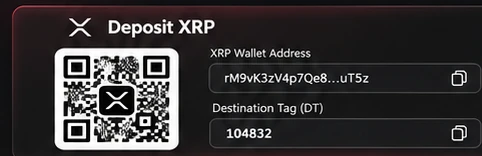
Send XRP to the wallet address shown in your portal. Include your unique destination tag.
Never use an address or tag pictured in this guide.
 HFT ALGO
From depositing XRP to downloading your files in five simple steps.
Send XRP to the wallet address shown in your portal. Include your unique destination tag.
Never use an address or tag pictured in this guide.
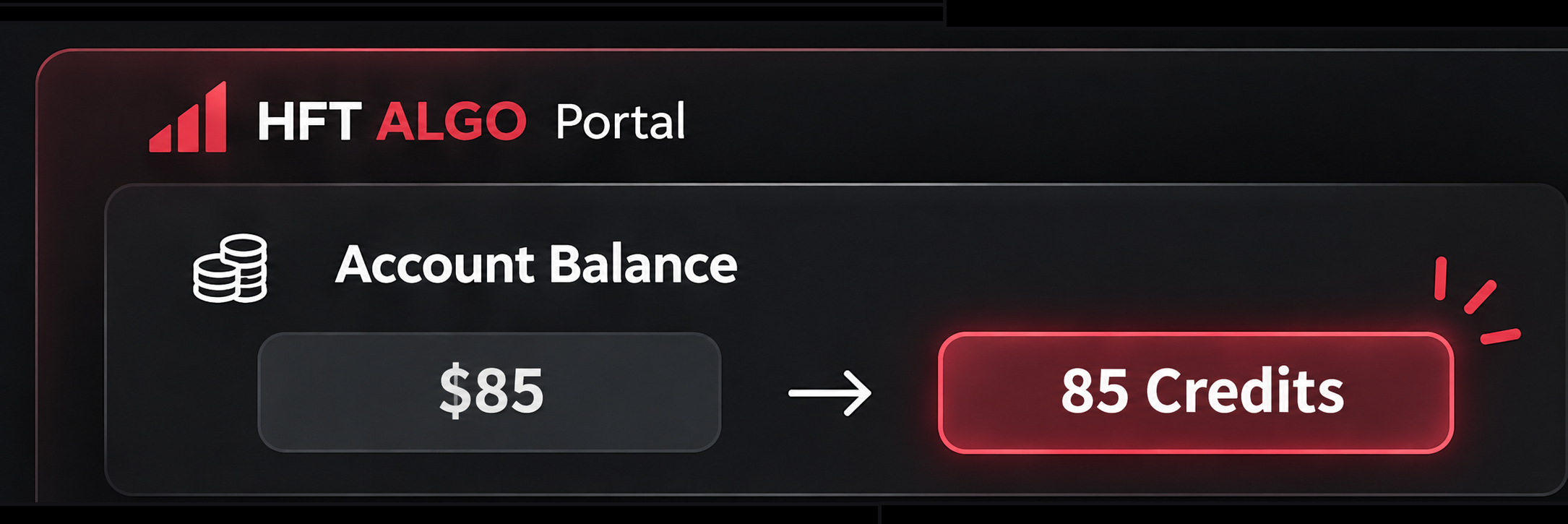
After your deposit is confirmed and processed, your USD credits appear in your portal balance.
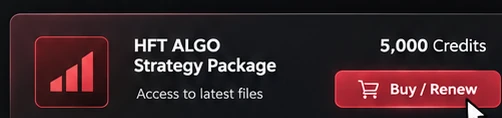
Choose your product in Purchase / Renew and pay using your available credits.
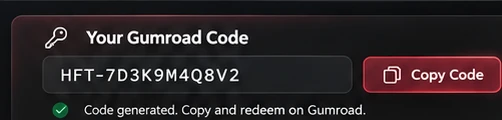
For a first-time purchase, find your single-use code under My Products and select Copy Code.
If code generation is pending, use Generate Code. Renewals do not create a new download code.
Open the matching product on Gumroad, paste your discount code at checkout, and finish the free claim to access the files.
Use the same email as your portal account. Check that no unexpected charge appears.
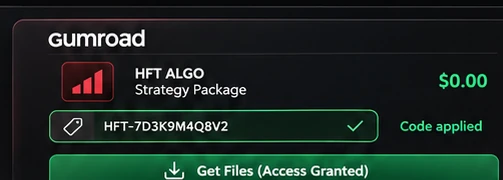
Use the correct destination tag, match your portal and Gumroad emails, and redeem your single-use code before its 24-hour expiration.
Images are illustrations, not real wallet details or redeemable codes. Go to your portal to see your own details.